Free or paid: what is worth paying for
Updated 2026-11-09 · Beginner guide · 6 min read
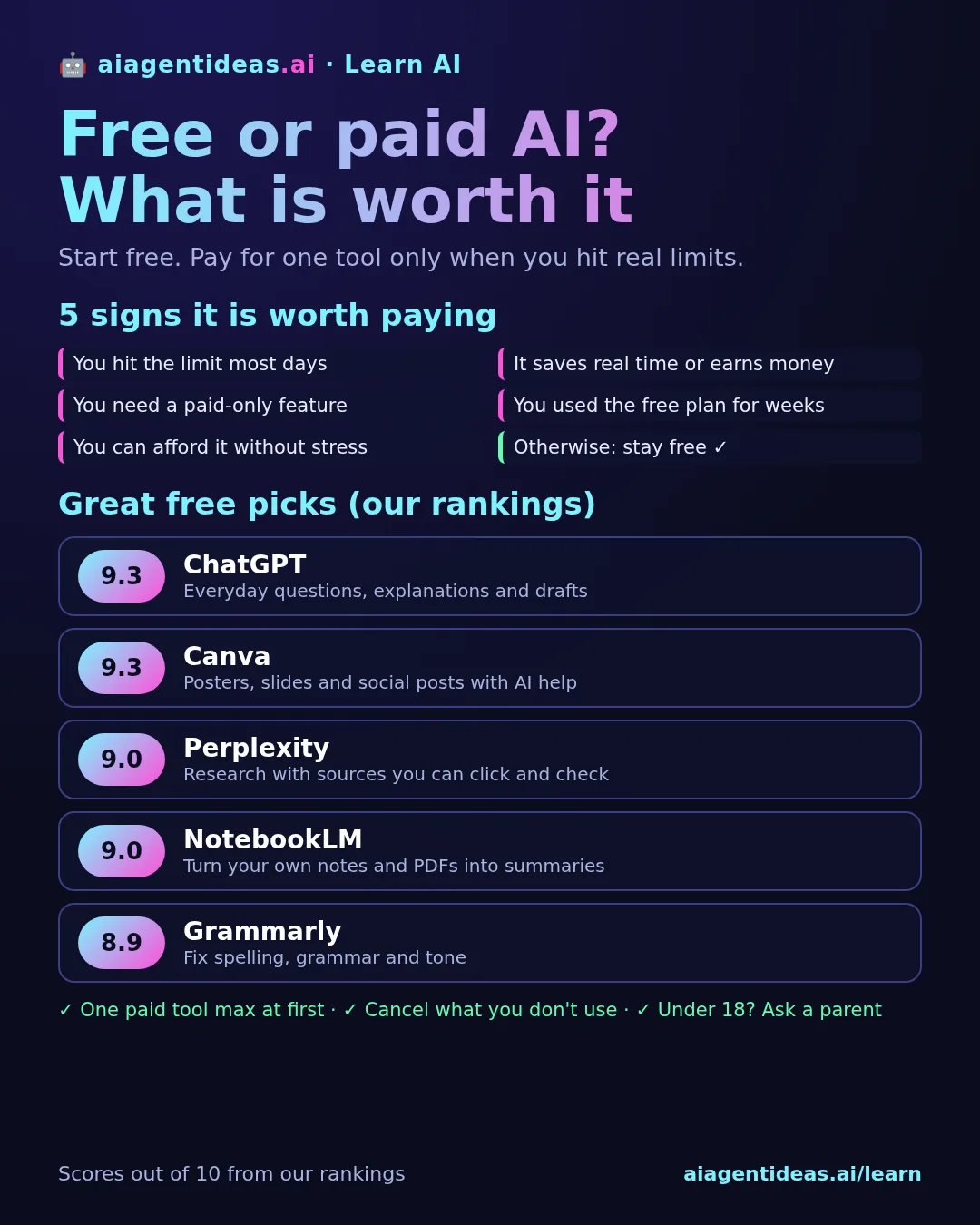
Short answer: start free. The free plans of top tools like ChatGPT (9.3/10 in our rankings) and Perplexity (9/10) are enough to learn and do real work. Pay only when you use one tool every day and keep hitting a limit that actually slows you down. Then pay for that one tool, not five.
What free plans already do well
Most popular AI tools have a free version. It is not a fake demo: you can chat, ask for explanations, write drafts, summarise texts and brainstorm. For someone learning AI, that covers almost everything you need in the first weeks.
The catch is usually limits, not quality of the basics. A free plan might give you fewer messages per day, a slower or older model when you are busy, smaller file uploads, or only a taste of extras like image making.
Great free (or free-to-start) picks
Scores are out of 10 from our rankings, combining usefulness, ease and trust. Pricing labels come from our listings and can change.
| Tool | Score | Pricing | Good free use |
|---|---|---|---|
| ChatGPT | 9.3 | Free to start, paid plans | Everyday questions, explanations, drafts and study help. |
| Perplexity | 9 | Free, Pro | Research with sources you can click and check. |
| NotebookLM | 9 | Free, paid tier | Turning your own notes and PDFs into summaries and quizzes. |
| Canva | 9.3 | Free to use, paid plans | Posters, slides and social posts with AI design help. |
| Grammarly | 8.9 | Free, Pro plans | Fixing spelling, grammar and tone in what you write. |
| Gamma | 8.6 | Free to use, paid plans | Quick first drafts of presentations. |
| Suno | 8.3 | Free to start, paid plans | Playing around with AI-made songs. |
Want more? See our list of free alternatives to paid AI tools.
5 signs it is worth paying
- You hit the limit most days. Once in a while is fine. Every day means the tool has become part of your routine.
- It saves you real time or earns you money. If an hour saved each week matters to you, a paid plan can pay for itself.
- You need a feature only the paid plan has, like bigger file uploads, the strongest model or longer videos.
- You have used the free plan for weeks and know exactly what you would do with more.
- You can afford it without stress. AI is useful, but no plan is worth worrying about rent or food money.
When paying is usually a waste
- Paying on day one, before you know how you use it.
- Paying for several chatbots that do the same job. Pick one main assistant.
- Paying for hype. A new tool trending online is not a reason. Check its score and reviews first.
- Forgotten subscriptions. Check your subscriptions every month and cancel what you do not open.
Some tools are mostly paid
A few tools lean on paid plans from the start. Midjourney (8.7/10, listed as "Paid plans") is a famous image maker, but try free image tools like Canva (9.3/10) first. For coding, Cursor (8.4/10) has a free tier and is listed at "Free tier, Pro from $20/mo". Try the free tier long enough to know you will use it.
A simple plan for young learners
- Use free plans for a month: one assistant, one research tool, one creative tool.
- Write down the moments you got stuck on a limit.
- If the same tool keeps blocking you, try its paid plan for one month.
- After a month, keep it only if you used it a lot. Otherwise cancel.
- Under 18? Talk to a parent before adding a card or a subscription.
New to all this? Start with what an AI assistant is and which one to start with, then learn how to write a good prompt. Better prompts often get more out of a free plan than paying does.
FAQ
Is free AI good enough for beginners?
Yes. Free plans of tools like ChatGPT (9.3/10 in our rankings) and Perplexity (9/10) are enough to learn, do homework research and write drafts. Most people should use free for at least a few weeks before paying.
What do you get when you pay for AI?
Usually higher daily limits, access to the newest and strongest models, faster answers, bigger file uploads and extra features like image or video tools. The basic chatting is often similar.
Should I pay for more than one AI tool?
Rarely at the start. Pay for the one tool you use every day and stay on free plans for the rest. Cancel anything you have not opened in a month.
Are free AI tools safe?
Free does not mean unsafe, but free plans may use your chats to improve their models. Check the privacy settings and never paste passwords, ID numbers or bank details into any AI chat.
Can I try paid AI before buying?
Many tools offer a free tier or a trial. Set a reminder before a trial ends, and check if you need a card to start.
Scores and pricing come from our rankings and can change as tools update.